Need Custom Pricing? Request a Quote!
Request a free quote for bulk orders or repairs—response in 24 hours. Or get tailored advice and a quote for your automation needs.
Get Your Free Quote!

 Special Offers
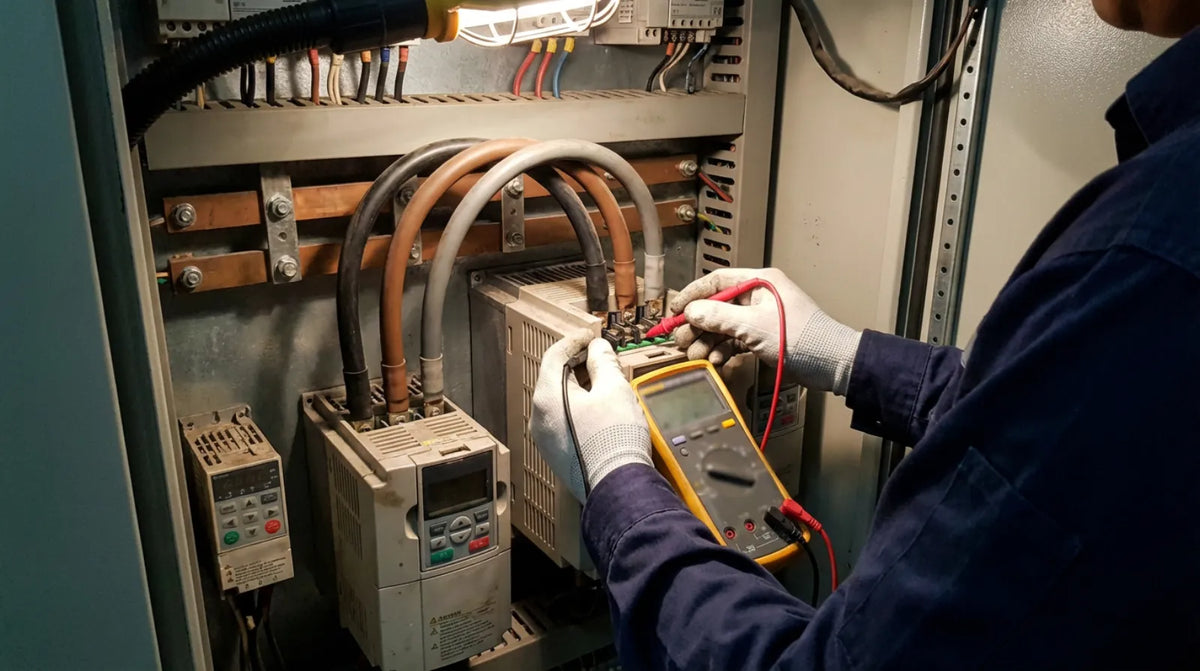
Every PowerFlex drive communicates problems through fault codes — F-codes that appear on the HIM (Human Interface Module) or keypad when the drive detects a condition it cannot safely operate through. Understanding these codes is the fastest path from an unplanned stop back to production.
Below are the most common PowerFlex fault codes across the 525, 753, and 755 families, organized by how frequently they appear in the field.
When a PowerFlex drive encounters a problem, it displays an F-code on the HIM/keypad (e.g., F004, F007, F043), stops the motor, and logs the event in the fault queue — a rolling history of the last 8 faults with timestamps. View the fault queue through Parameter A07 on the keypad, or through Connected Components Workbench (CCW) and Studio 5000 if the drive is networked.
Two severity levels exist:
Cause: DC bus voltage dropped below minimum. Triggered by power sags, loose input connections, undersized feeders, or a main contactor opening during operation.
Fix: Measure incoming line voltage at the drive terminals and verify it is within range (e.g., 380-480V for a 480V class drive). Tighten all input power connections. If the fault occurs only during acceleration, increase accel time (Parameter A04) or upsize the feeder. Check Parameter A08 (DC Bus Voltage) to establish a baseline.
Cause: DC bus voltage exceeded maximum. Usually caused by deceleration time too short (motor regenerates energy), no dynamic braking resistor on high-inertia loads, or supply voltage too high.
Fix: Increase deceleration time (Parameter A03) — this is the most common solution. For high-inertia loads (flywheels, centrifuges, large fans), install a dynamic braking resistor. Enable the Overvoltage Regulator (Bus Reg) if available to automatically extend decel time.
Cause: The electronic thermal overload (I2t) model determined the motor is overloaded. Sustained current above motor FLA, incorrect motor nameplate data in drive parameters, mechanical binding, or reduced cooling at low speeds.
Fix: Verify motor nameplate data (FLA, HP, RPM) matches drive parameters — incorrect FLA is the #1 cause of nuisance F007 trips. Check actual motor current (Parameter A01). Inspect the motor for seized bearings, misalignment, or blocked cooling fans.
Cause: Instantaneous output current exceeded the hardware limit. Short circuit in motor cables, ground fault in motor winding, IGBT failure, or sudden mechanical jam.
Fix: Disconnect motor cables from the drive and megger-test motor and cables (should be >1 MΩ to ground). Inspect cable routing for damage. If motor and cables test good, the drive's output IGBTs may have failed — run hardware diagnostics or contact service.
Cause: Current imbalance between output phases indicating leakage to ground. Degraded motor insulation, moisture in the junction box, damaged cables, or long cable runs with high capacitance.
Fix: Disconnect motor leads and megger-test each phase to ground. Check the motor junction box for moisture or contamination. On long cable runs (>100m), install an output reactor (dV/dt filter) to prevent nuisance trips.
Cause: The drive lost communication with its controlling network (EtherNet/IP, DeviceNet) for longer than the configured timeout. Cable disconnected, switch failure, PLC faulted, or timeout too short.
Fix: Check link/activity LEDs on the drive and switch ports. Verify the PLC is running and the I/O tree shows no errors. Ping the drive's IP address. For intermittent faults, check for duplicate IP addresses or marginal cable connections. Adjust the Comm Loss Timeout if needed.
Cause: Heatsink temperature exceeded safe limits. Blocked or failed cooling fans, high ambient temperature, excessive load, or inadequate ventilation spacing.
Fix: Verify cooling fans are spinning. Measure enclosure ambient (drives typically rated for 0-40C without derating). Ensure proper clearance above and below the drive (100-150mm minimum). Clean dust from heatsink fins.
Cause: An external fault was signaled through a digital input configured as an auxiliary fault. External safety device triggered, wiring issue, or misconfigured digital input.
Fix: Identify which digital input is configured as the aux fault input. Trace wiring to the external device and verify it is in its normal state. If no external device is intended, reconfigure the input or jumper it to the non-fault state.
Cause: One of three output phases to the motor is missing or has significantly lower current. Loose motor cable, failed contactor contact, open motor winding, or blown output fuse.
Fix: Check all output terminal connections at the drive and motor junction box. If a bypass contactor exists, inspect all three poles. Measure motor winding resistance phase-to-phase — all three should be approximately equal.
Cause: The drive exhausted its configured auto-restart attempts. F033 is always a secondary fault — the root cause is whatever fault preceded it in the fault queue.
Fix: Check the fault queue (Parameter A07) to identify the original fault. Resolve that root cause first. After fixing, clear all faults and test manually before re-enabling auto-restart.
Cause: Analog input signal dropped below minimum (typically below 4 mA on a 4-20 mA loop). Broken wire, failed transmitter, signal source powered off, or wrong signal type configured.

Fix: Measure the analog signal at the drive terminals — 0 mA indicates a broken loop. Check wiring continuity and verify the signal source is powered. If the source legitimately goes to 0 mA, adjust the loss detection threshold or change the fault action to "alarm."
Cause: Process variable (PID feedback) went outside configured limits. Sensor failure, abnormal process condition, aggressive PID tuning causing overshoot, or incorrect limit settings.
Fix: Verify the process sensor output matches actual conditions. Review process fault high/low limits. Check PID tuning. Inspect the process for physical issues (blocked pipes, closed valves, dry-running pumps).
Cause: Safe Torque-Off (STO) input activated while running, or STO wiring is incorrect. E-stop pressed, safety relay triggered, STO inputs disconnected.
Fix: Check all safety devices in the STO circuit. Verify STO terminals have 24VDC when the safety circuit is normal — both S1 and S2 must be energized. If STO is unused, jumper the inputs per the installation manual.
Cause: Factory default reset was performed or NVRAM corruption loaded defaults. Intentional reset, NVRAM failure, or firmware update requiring parameter reset.
Fix: Reconfigure drive parameters or restore from a CCW/DriveExecutive backup. If the fault recurs without intentional resets, the drive's NVRAM may be failing.
Cause: Ethernet port hardware or configuration fault. Port failure, IP address conflict, configuration error, or communication option card not properly seated (753/755).
Fix: Check Ethernet port LEDs. Scan for duplicate IP addresses. On 753/755 drives, reseat the communication module. Cycle power — if the fault clears and does not return, it was transient. If it persists, the port or adapter likely needs replacement.
Resolve the fault condition, then press the Stop/Reset button on the drive keypad or HIM module (20-HIM-A6). If the fault does not clear, the condition is still active.
In CCW, right-click the drive and select Clear Faults. In Studio 5000 via EtherNet/IP, write to the Logic Command register (Bit 2 = Fault Reset) or use a MSG instruction.

Configure a digital input as "Fault Reset" and pulse it from the PLC. This is standard in automated systems where the controller manages fault recovery.
| Criteria | Manual Reset | Auto-Restart |
|---|---|---|
| Best for | Safety-critical applications (conveyors, saws, presses) | Remote/unmanned equipment (HVAC fans, pumps, cooling towers) |
| Configuration | Default — no setup needed | Set restart attempts, delay, and which faults allow auto-restart |
| Risk | Extended downtime until someone responds | Drive cycles through attempts and trips on F033 if root cause persists |
Important: Never enable auto-restart on applications where an unexpected motor start could injure personnel. Always perform a risk assessment first.
Most faults point to external causes — wiring, load, power supply, or configuration. But some patterns indicate internal drive failure:
When a drive needs replacement, we carry both PowerFlex 525 and PowerFlex 753 drives ready to ship so you can minimize downtime while the faulted unit goes out for repair.
Browse all PowerFlex drives and motion control products at Rabwell →
F004 (Undervoltage) and F005 (Overvoltage) are the most frequently seen faults across all PowerFlex models. They are typically caused by incoming power quality issues or incorrect deceleration time settings. Both are usually resolved by checking the power supply and adjusting drive parameters rather than replacing hardware.
Navigate to Parameter A07 (Fault Queue) on the keypad or HIM module. This displays the last 8 faults in order, with the most recent fault first. You can also view the fault log through Connected Components Workbench (CCW) or Studio 5000 if the drive is connected via EtherNet/IP.
Yes. PowerFlex drives support auto-restart on selected fault types. You configure the number of restart attempts and the delay between them. However, auto-restart should only be enabled on applications where unexpected motor startup does not create a safety hazard — typically remote or unmanned equipment like HVAC fans and pumps.
F033 is always a secondary fault — it means the drive tried to auto-restart a configured number of times and failed because the original fault kept recurring. Check the fault queue to identify the original fault that triggered the restart sequence, and resolve that root cause first.
